
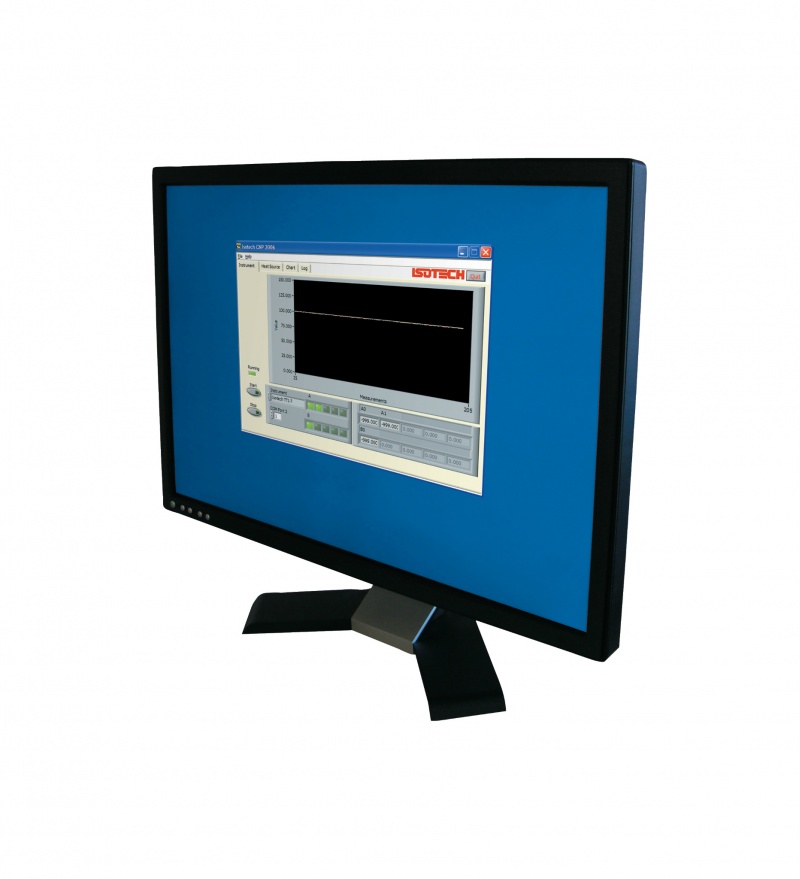
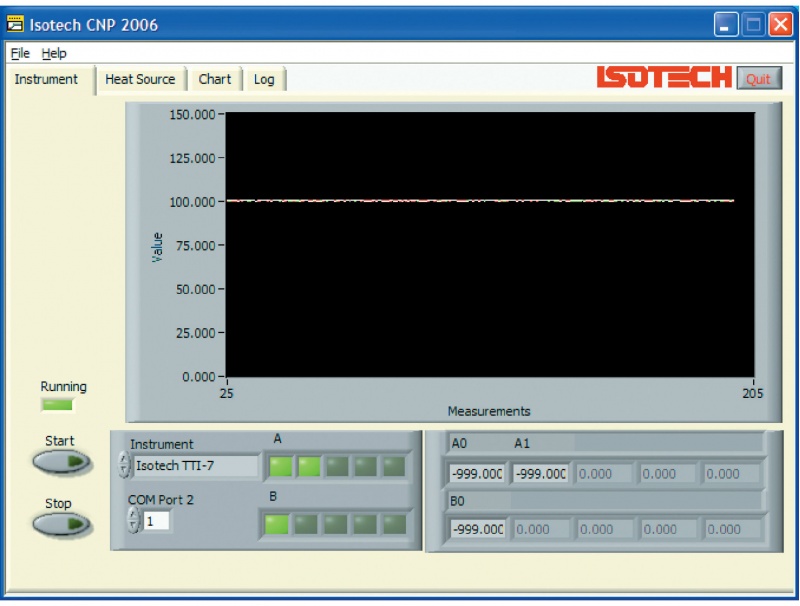
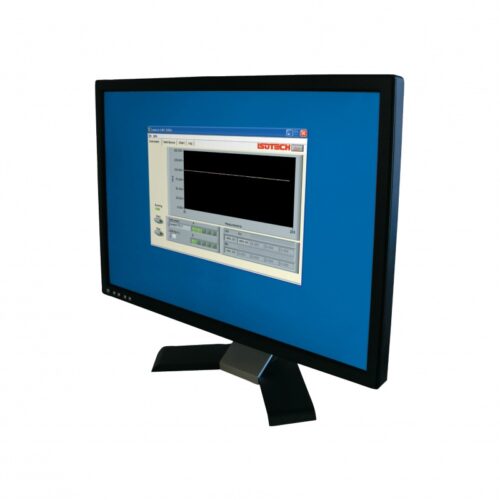

The purpose of Cal NotePad (CNP) is to automatically log and display the temperature of an Isotech calibration bath together with the unit under test. Cal NotePad can be used with baths (or indicators) without PC interfaces by the user typing in values from the keyboard. The Cal NotePad can be used to identify the operator and the unit under test. With the click of a button data is logged with time information, it is also possible to log continually.
The calibration bath temperature can be changed from the PC or from the calibration baths controller – Cal NotePad will display the temperature changes as they occur on the re-scalable chart display.
For traceable calibration the unit under test should be compared to a calibrated standard thermometer. Cal NotePad can record the actual temperature of the bath from either the in-built indicator of an Isotech SITE model or from a variety of external instruments see list. If the external instrument has two channels (e.g. Isotech TTI) then the unit under test may be connected to channel B for logging with CNP. Alternatively the value can be typed in from the keyboard. Similarly the calibration bath controller value, actual temperature, SITE indicator value or unit under test value may also be entered manually.
Then the manually entered data is combined with that gathered automatically and the resultant file can be opened in an external application such as Excel for the preparation of reports, certificates etc.
Cal NotePad is designed for ease of use, it will give a chart of the system. When the operator determines the system is stable – easily seen from the chart then clicking a button will record time, operator, serial numbers of unit under test along with controller and indicator values.
Cal NotePad can be used for semi-automatic calibration, see I-Cal Easy for a fully automated calibration solution.